
Grounded 2 Shared Worlds: Play Without the Owner
Grounded 2 Shared Worlds let authorised friends host when the owner is away. Understand account requirements, save ownership and a sensible handover.
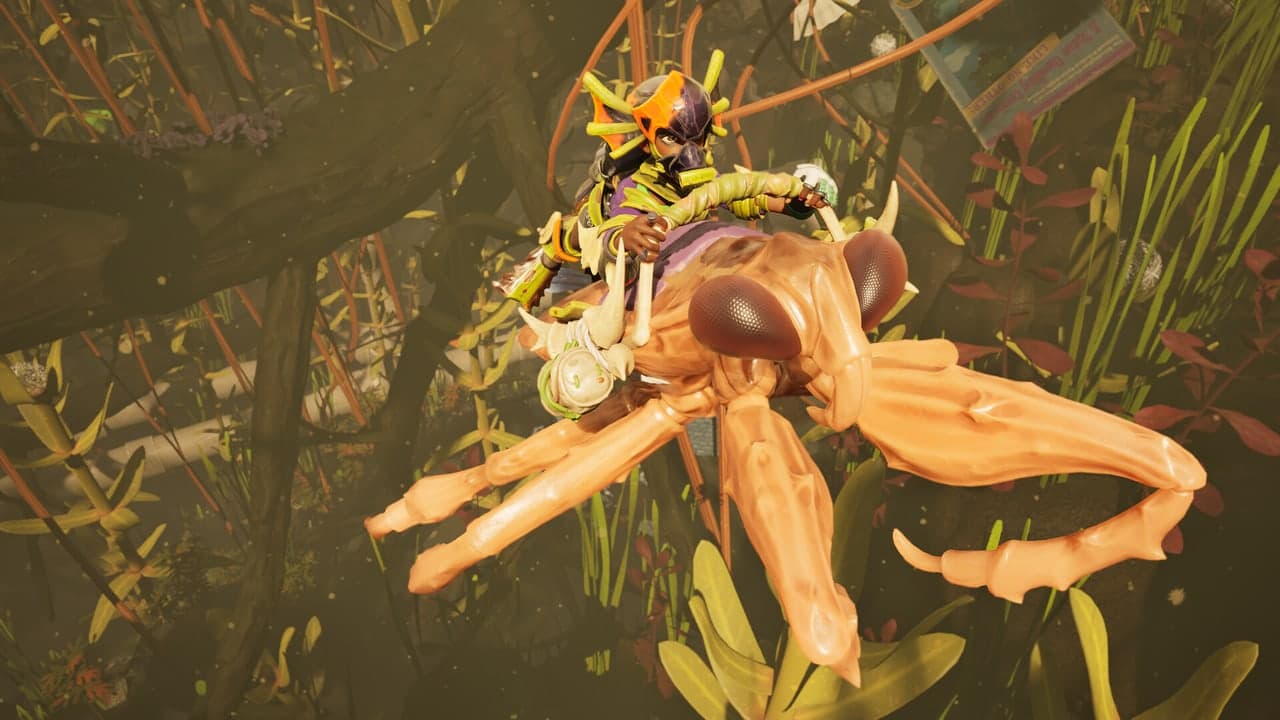
01 / The original owner can be absent; someone still hosts
The original owner can be absent; someone still hosts
Grounded 2's Shared Worlds are designed for a group that cannot always meet at the same time. A friend with hosting access can load the shared world when its original creator is away. That is different from an ordinary session whose save remains under one person's control.
It is also different from a permanently running dedicated server. The useful distinction is between the owner, who created and shared the world, and the current host, whose game runs the session. Shared access removes dependence on the original owner being present; it does not mean nobody needs to host.
02 / Choose the world around your group's schedule
Choose the world around your group's schedule
You only play as a complete group
A standard world may be sufficient.Keeping sessions with one regular host can make responsibility clear. Agree that others will wait rather than assuming they can resume independently.
Friends play at different times
Use a Shared World with hosting access.Game8's Grounded 2 guide documents granting friends access to host the online save, including when the creator is offline.
You want progress while nobody is playing
Do not assume Shared Worlds provide it.A shared save and an active simulation are different things. This feature is about handing hosting between players, not promising an unattended running world.
03 / Use the correct account before granting access
Use the correct account before granting access
Obsidian's current Grounded 2 support article covers PC, Xbox and PlayStation. It requires a free Xbox Live account for cross-platform features and Shared Worlds, with the applicable platform's online subscription where required.
The documented crossplay setup is in Options: enable Crossplay, accept the explanation and complete the Microsoft/Xbox linking process shown by the game. Check the resulting Gamertag before continuing. Obsidian warns that only one Microsoft/Xbox account can be linked, so do not casually sign in with someone else's account to get past the screen.
Treat device-link codes as private sign-in information. Follow the flow you opened yourself in the game; a stranger asking for a code is not part of setting up your shared park.
04 / Test the handover before investing in the base
Test the handover before investing in the base
- Keep the original save identifiableGame8's illustrated guide describes creating a shareable copy from Load Game and then using Share With Friends. Label the copy clearly so the group does not accidentally continue the older standard world.
- Grant hosting access deliberatelySelect the friends who should be able to continue the world. Joining one evening and being authorised to host future sessions are different permissions to discuss.
- Run a short owner-absent checkLet the owner finish and leave, then have an authorised friend load the intended world. Confirm a simple shared change before building extensively. This is a suggested verification step, not a test we claim to have performed.
- Agree who handles recoveryShared access is not a substitute for a backup plan. Know who last hosted and what save information is available before selecting an older copy or attempting a restore.
05 / Permissions solve access, not disagreements about progress
Permissions solve access, not disagreements about progress
Shared Worlds suit staggered schedules, but decide what friends may do while others are absent. Building a storage area, spending rare supplies and advancing major objectives can feel very different to the player who returns later. Agree which activities are open to everyone and which you want to experience together.
If a handover fails, compare the world name, linked account, access list and game version first. Preserve the saves you still have rather than deleting them to make the menu look tidy. Once the correct friend can resume the correct world, the group has verified the feature that matters to its actual schedule.