
Stardew Valley Switch 2: Which Co-op Mode?
Choose Stardew Valley's Switch 2 co-op setup: four-player split-screen, eight-player online play, or GameShare with an owner and up to three guests.
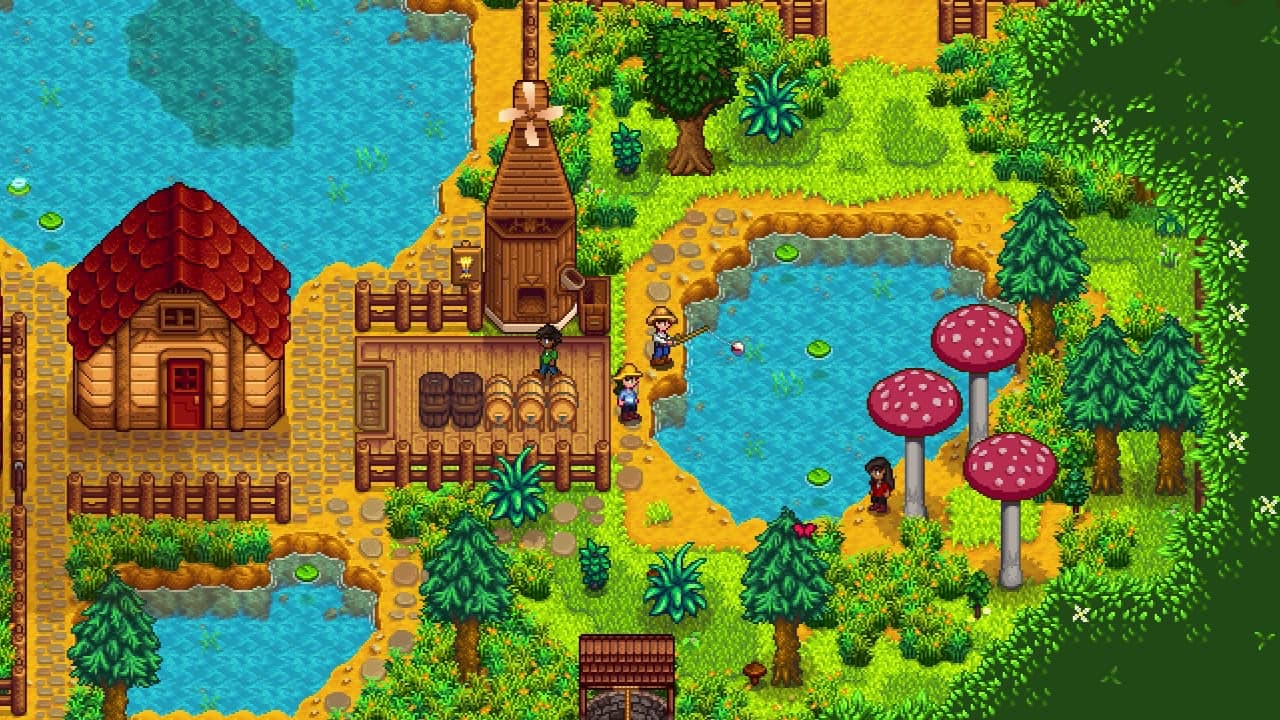
01 / There are three different player limits
There are three different player limits
Stardew Valley's Nintendo Switch 2 Edition supports up to four players in local split-screen, up to eight online, and GameShare for an owner plus up to three friends. Nintendo's publisher-supplied descriptions distinguish these limits; the eight-player online figure is not an eight-player GameShare promise.
Pick the arrangement from the devices you have available, not the largest number in a storefront box. One television, several nearby consoles and friends in different homes are different setups.
02 / Choose a route into the farm
Choose a route into the farm
One Switch 2 and one shared screen
Split-screen, up to four players.Nintendo specifies a compatible controller for each player. Decide whether everyone can comfortably read their part of the screen.
A supported sharing session with one owner
GameShare, up to four people in total.The invited friends do not need to own the game for the sharing session. This is not a permanent copy added to each guest's library.
A larger online group
Online multiplayer, up to eight players.Plan around normal online game access and membership requirements rather than extending the one-copy GameShare arrangement to eight.
An owner of the original Switch game
Check the Switch 2 upgrade pack.The pack requires the base game. Installing an upgrade is a separate matter from deciding how friends will join.
03 / GameShare depends on both distance and hardware
GameShare depends on both distance and hardware
Nintendo's general GameShare instructions require Switch 2 to host. A nearby guest can use a compatible Switch or Switch 2, while internet participation uses Switch 2. The Stardew Valley listing identifies both local GameShare and GameShare via GameChat.
That makes the first planning question simple: will everyone be in the same room? If not, do not promise remote participation to someone based only on their ownership of an original Switch. Check the actual receiving hardware and the mode being used.
A sharing session also should not be presented as ownership. If a guest wants independent access outside your sessions, discuss that separately. Avoid buying extra copies merely to reach the farm once, but equally avoid promising that the guest's future access no longer depends on the sharing arrangement.
04 / Make the shared farm work for the people playing
Make the shared farm work for the people playing
- Check readability, not just controller countFor split-screen, sit where each player will actually be. A technically supported setup can still be uncomfortable if dialogue and inventory text are too small from the sofa.
- Agree on the kind of farm eveningOne person may want efficient production while another wants to meet villagers or decorate. Decide whether shared objectives leave room for both.
- Name the continuing farmBefore returning for a second session, confirm which save and host you intend to use. Similar farm names are an avoidable source of confusion.
- Test the chosen mode with the intended guestsRun a short session before inviting a larger group. Confirm the hardware, access and controls with the real participants; do not substitute assumptions from a different platform edition.
05 / Choose the smallest setup that does what you need
Choose the smallest setup that does what you need
Use split-screen for a shared television, GameShare for a supported one-owner invitation, and regular online multiplayer when the group needs the larger online arrangement. Keep the limits attached to their modes when explaining the plan to friends.
This guide does not promise crossplay with PC or other console editions, or automatic migration of a guest's progress into a separately owned game. Those are different compatibility questions from the three Switch 2 co-op options documented here.